Log In to Your Daytona Spin Account
Sign in to Daytona Spin with your registered email and password to reach the casino, your active bonuses and your transaction history. The login window opens from the header on the website or the mobile PWA, and it takes just a few seconds. There is no social login, so keep your credentials handy.

How to Log In at Daytona Spin Step by Step
Use the same email and password you set at registration. Daytona Spin has no social or one-click login.
Open the Log in window
Click Log in in the header on the website or the PWA shortcut. You can also reach it from the Register now link inside the sign-up form.
Enter your email
Type the email address linked to your account in the Email field.
Enter your password
Type your password. Use the eye icon to show or hide it if you want to check for typos.
Sign in
Click Log in to reach your account, where your balance, bonuses and history are ready. If you forgot your password, use the Forgot your password? link.
Log In on Mobile (PWA)
Daytona Spin has no native app to download. Mobile access runs through the mobile website and an installable PWA shortcut. The login screen matches the desktop site and is built for touch.
- Open the Daytona Spin site in Chrome or Safari, or launch the PWA shortcut from your home screen.
- Tap Log in at the top of the screen.
- Enter your registered email and password.
- Tap Log in to open your account dashboard.
Forgot Your Password?
If you cannot sign in, reset your password from the login window in a couple of minutes.
- Open the Log in window and click Forgot your password?
- Enter the email address linked to your account.
- Open the reset email and follow the link. Check your spam folder if it does not arrive.
- Set and confirm a new password of 6 to 32 characters with upper and lower case letters and at least one number.
- Return to the login window and sign in with your new password.
Common Login Problems and Fixes
Most sign-in issues have a quick fix. The table below covers the problems players run into most often.
| Problem | Fix |
|---|---|
| Forgotten password | Click Forgot your password?, enter your email, and follow the reset link. |
| Incorrect email or password | Check for typos, turn off Caps Lock, and confirm you are using your registered email. |
| Page or Log in button not responding | Clear your browser cache, try another browser, or switch between Wi-Fi and mobile data. |
| Account shows as unverified | Complete KYC in your profile: upload a photo ID, a selfie with the document, and proof of address. |
| No access to your registered email | Contact support via live chat so the team can guide you through account recovery. |
Keep Your Account Safe
A few simple habits keep your Daytona Spin account secure.
Adults only, 18+
Accounts are for players aged 18 or older. Daytona Spin runs regular age checks as part of responsible gaming.
Verify before withdrawing
KYC is required before withdrawals. Keep a photo ID, a selfie with the document, and proof of address ready.
Guard your credentials
There is no social login, so your email and password are your keys. Do not share them or sign in on devices you do not trust.
Play responsibly
Daytona Spin supports deposit limits, cooling-off and self-exclusion. Use them if you need a break.
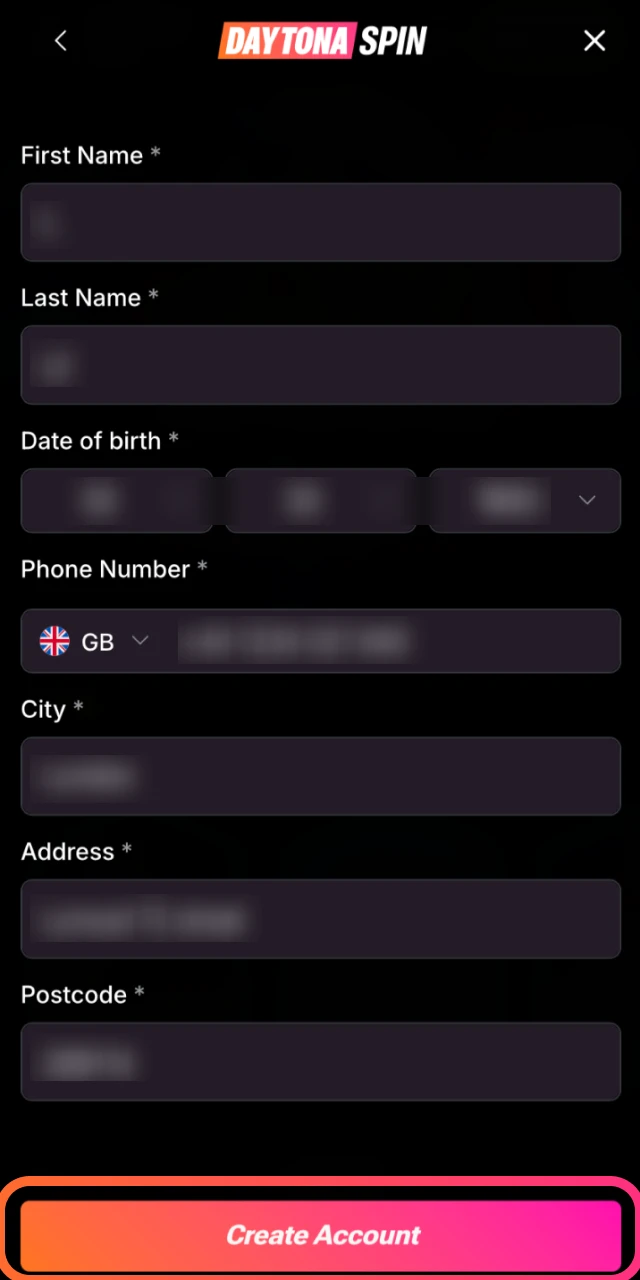
No Account Yet? Register
If you do not have a login yet, creating one takes under a minute with your email and a password. New players can claim the Welcome Pack of 430% up to £14,300 plus 430 free spins from a £25 first deposit. Start with Daytona Spin registration.
FAQ
What do I need to log in to Daytona Spin?
Your registered email address and password. There is no social or one-click login, so keep your credentials handy.
I forgot my password. How do I reset it?
Open the Log in window, click Forgot your password?, enter your email, and follow the link in the reset message. Then set a new password of 6 to 32 characters with upper and lower case letters and a number.
Can I log in on my phone without an app?
Yes. Daytona Spin has no native app. Sign in through the mobile website or the installable PWA shortcut on your home screen. The login screen works the same as on desktop.
Why does my account show as unverified after I log in?
Withdrawals require KYC. Open your profile and upload a government photo ID, a selfie holding the document, and proof of address to complete verification.
What should I do if I lost access to my registered email?
Contact Daytona Spin support through live chat. The team will guide you through recovery, which includes identity checks before any change is made.
Updated:
Comments